
Vibe Code & Launch a Blockchain in Just 20 Minutes with Canopy

Canopy has touted its rapid-fire chain-creation tech, which allows developers to build and launch application-specific blockchains in minutes, rather than months. The primary shortcut builders are handed is Canopy’s suite of Templates in common coding languages, like Go, Kotlin, C#, Typescript, and Python.
These Templates compress Canopy’s entire chain implementation into roughly 200 lines of web2 coding language, packed with AI scaffolding—making blockchain infrastructure that’s understandable to not just the developers themselves, but also, AI engines. Templates are the first blockchain development framework intentionally designed with AI collaboration in mind, reducing blockchain logic to its most essential, AI-legible elements. With a framework that fits seamlessly into an AI context window, the door is opened for a more streamlined development process, and a quicker time to market than ever before.
However, it’s one thing to talk about it, and another thing to see it for yourself.
To demonstrate that minutes-to-launch isn’t just a concept, the Canopy team decided to vibe code an entire app from scratch using Templates and Claude Code. Then, we plugged the finished code into the Canopy App, and deployed a fully functioning application-specific blockchain in just a few clicks.
Step One: Create an App with Canopy Templates and Claude Code AI
One of Canopy's lead engineers, Eric Nielson, built a fully functional onchain Polymarket app using Claude in just 20 minutes, end-to-end. Here's exactly how he did it.
Start with an Idea
Eric began with a messy, unstructured description of what he wanted to create. At this point, there was no need to write a fully-polished spec, but instead, to get the core idea into text. He wanted to create an onchain prediction market app with the ability to create markets, place bets, and resolve outcomes.
From there, he handed those notes to a general-purpose LLM and asked it to produce a clean, high-level specification of what the app needed to do. This was stack-agnostic, and with no implementation assumptions.
Turning a Spec into an Architecture
With a clean spec in hand, Eric brought Claude into the picture. His goal at this stage wasn't to write code—it was to translate the specification into a concrete architecture document tailored to the Canopy Template. This meant mapping the app's requirements onto Canopy's existing framework: defining new state models to represent markets and positions, specifying the transaction types the app would need (creating a market, placing a bet, resolving an outcome), and mapping out the execution paths and integration points within the Canopy Template.
This is where the iteration happened. Eric refined the architecture through a few back-and-forth cycles with Claude, tightening the design until it was coherent and complete. Once he was satisfied, he decomposed the architecture into a set of discrete, implementation-ready tasks that would serve as a sequenced build plan that Claude could execute against. Don’t skip this step—this alone can save you hours.
Building the Onchain Logic
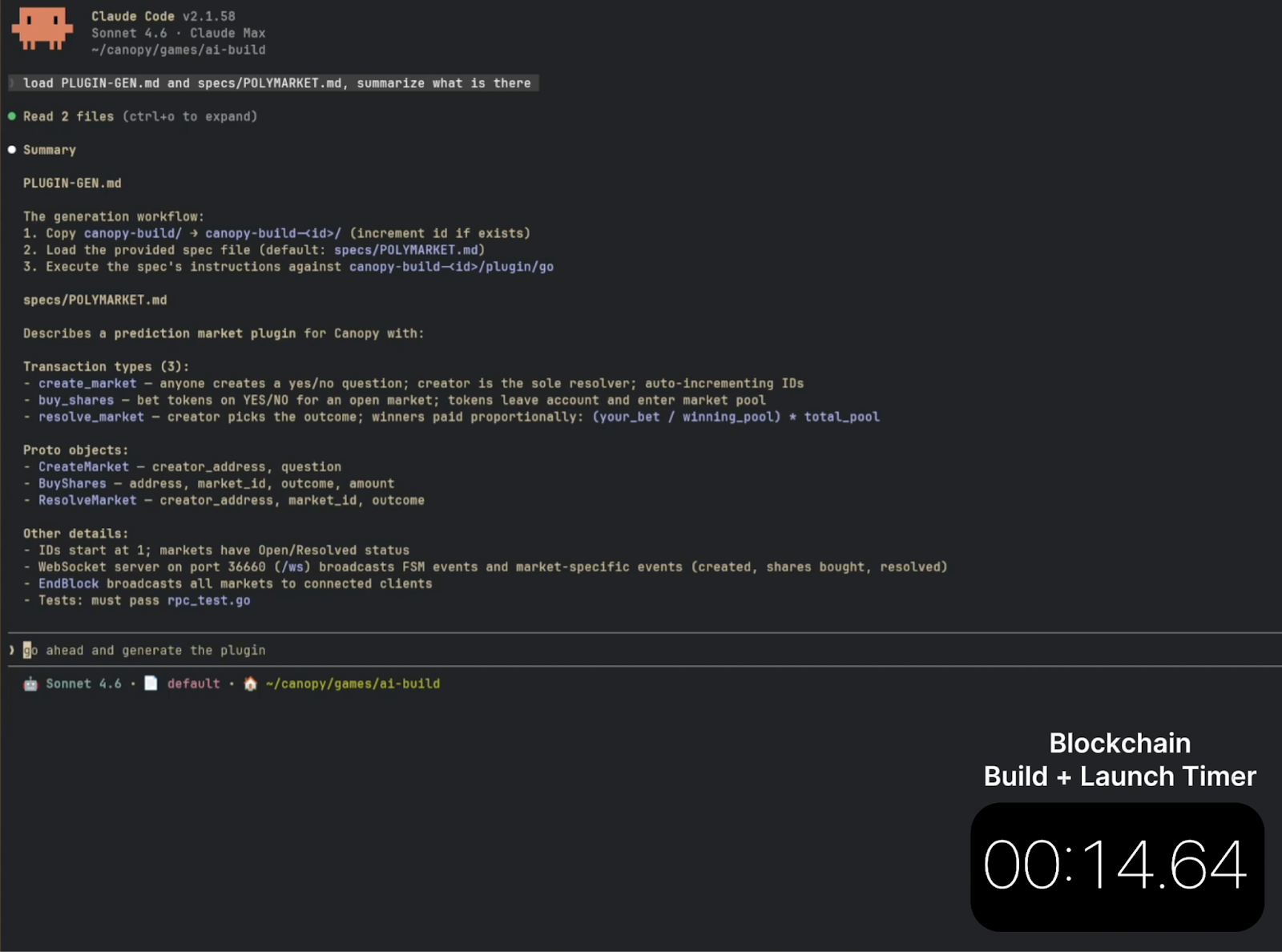
With the task list defined, Eric gave Claude everything it needed to generate the onchain module: how the app should behave at the protocol level, how state transitions should be handled, and how each transaction type should be processed. This is the layer that developers spend the most time on—the business logic that lives onchain, where mistakes are expensive and correctness matters. By the time Eric handed this off to Claude, the groundwork was thorough enough that the generation was clean on the first pass.
Generating the Frontend
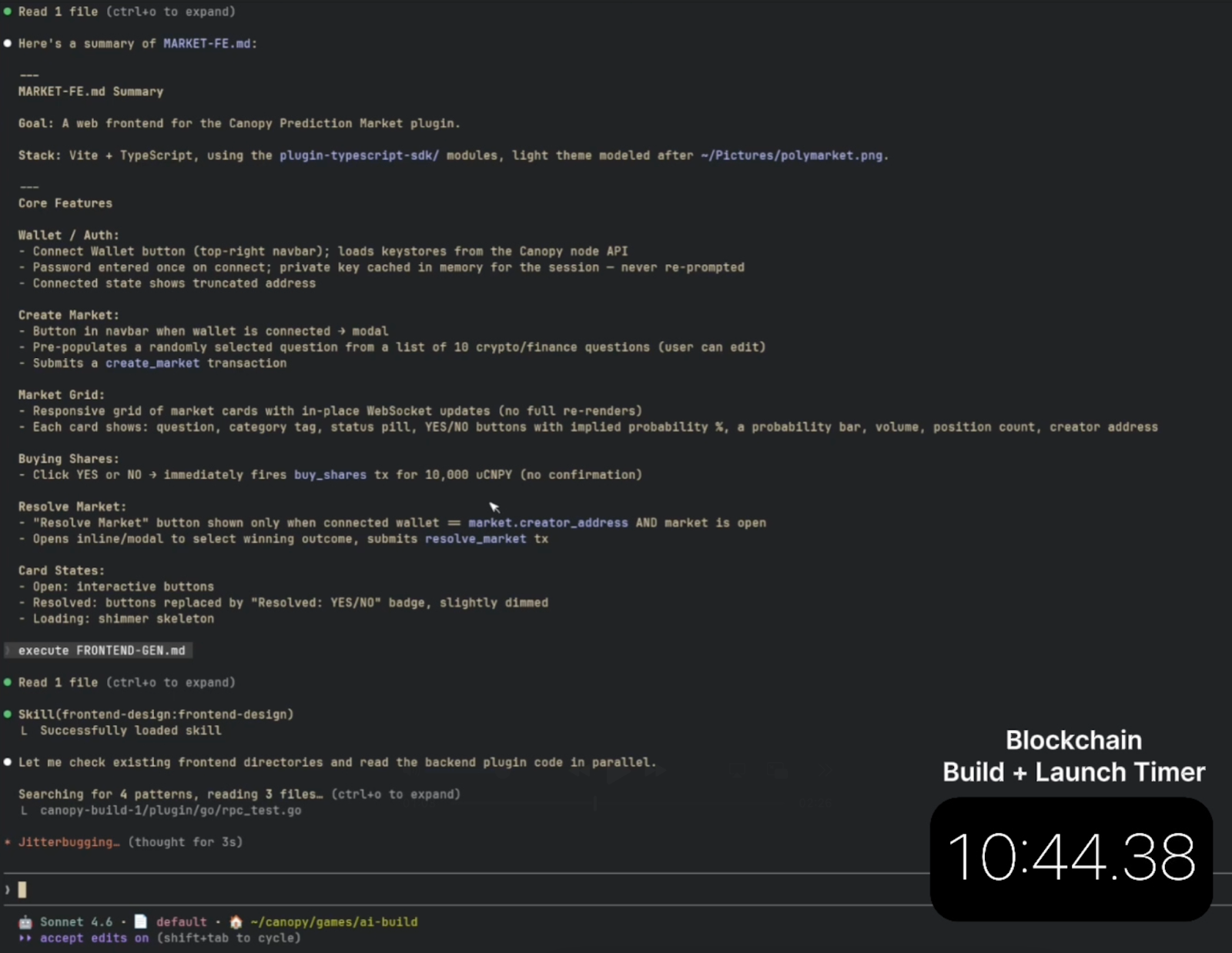
The final step was the frontend generation. Eric loaded a markdown file that described the page layout, wallet connection flow, and the three core user actions: creating a market, placing a bet, and resolving a market. Claude used that file to generate the frontend directly.
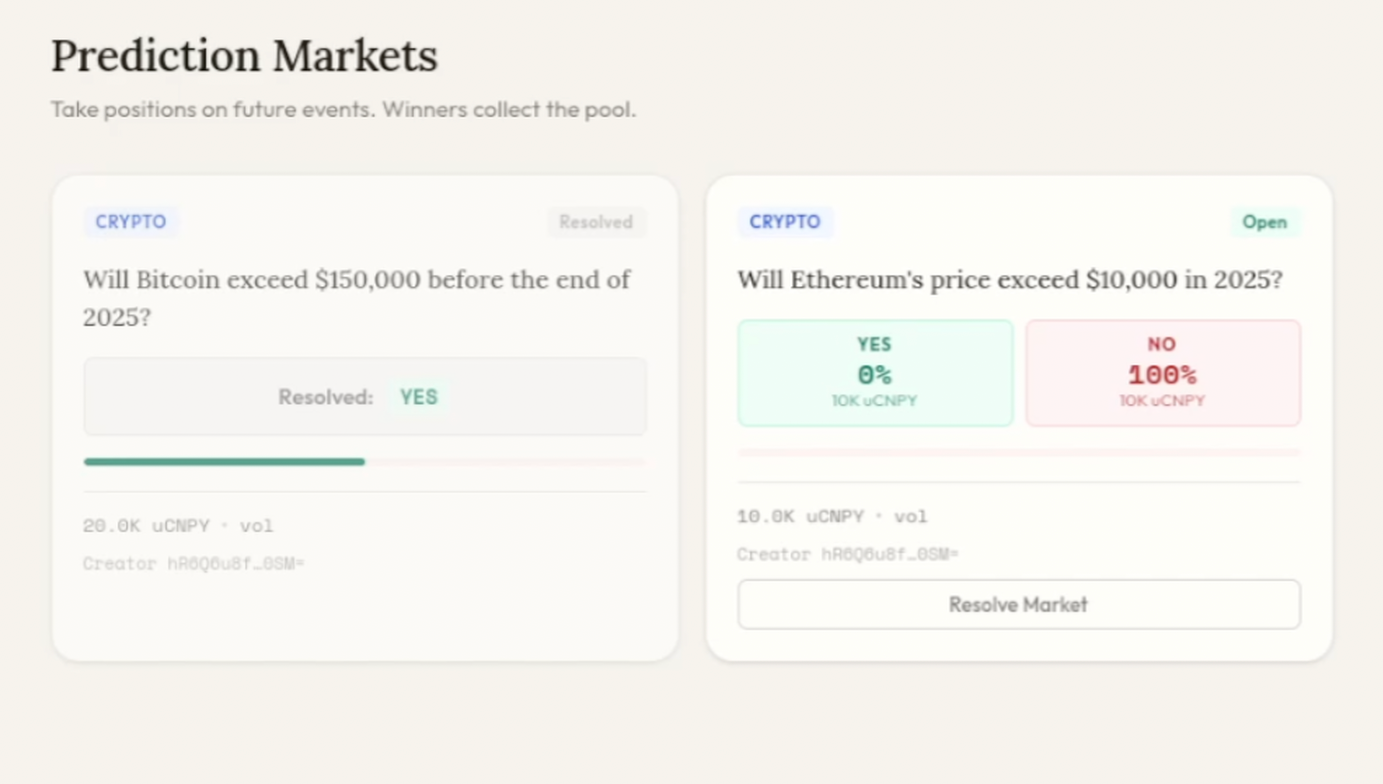
The result was a complete, working application.
Step Two: Launch Your L1 on the Canopy App
After Eric updated the forked Canopy repo, he began the simple process of creating a chain on the Canopy App.
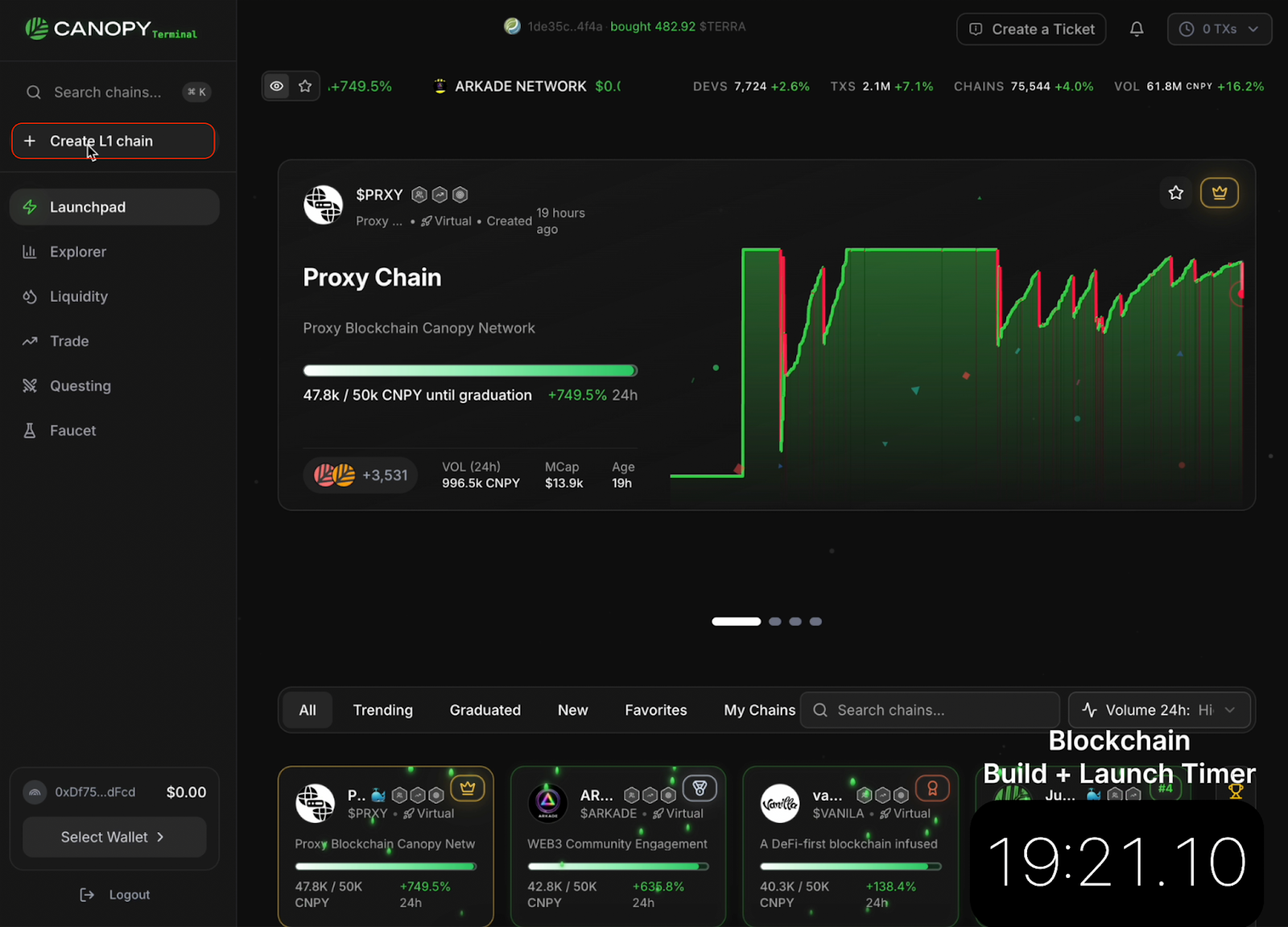
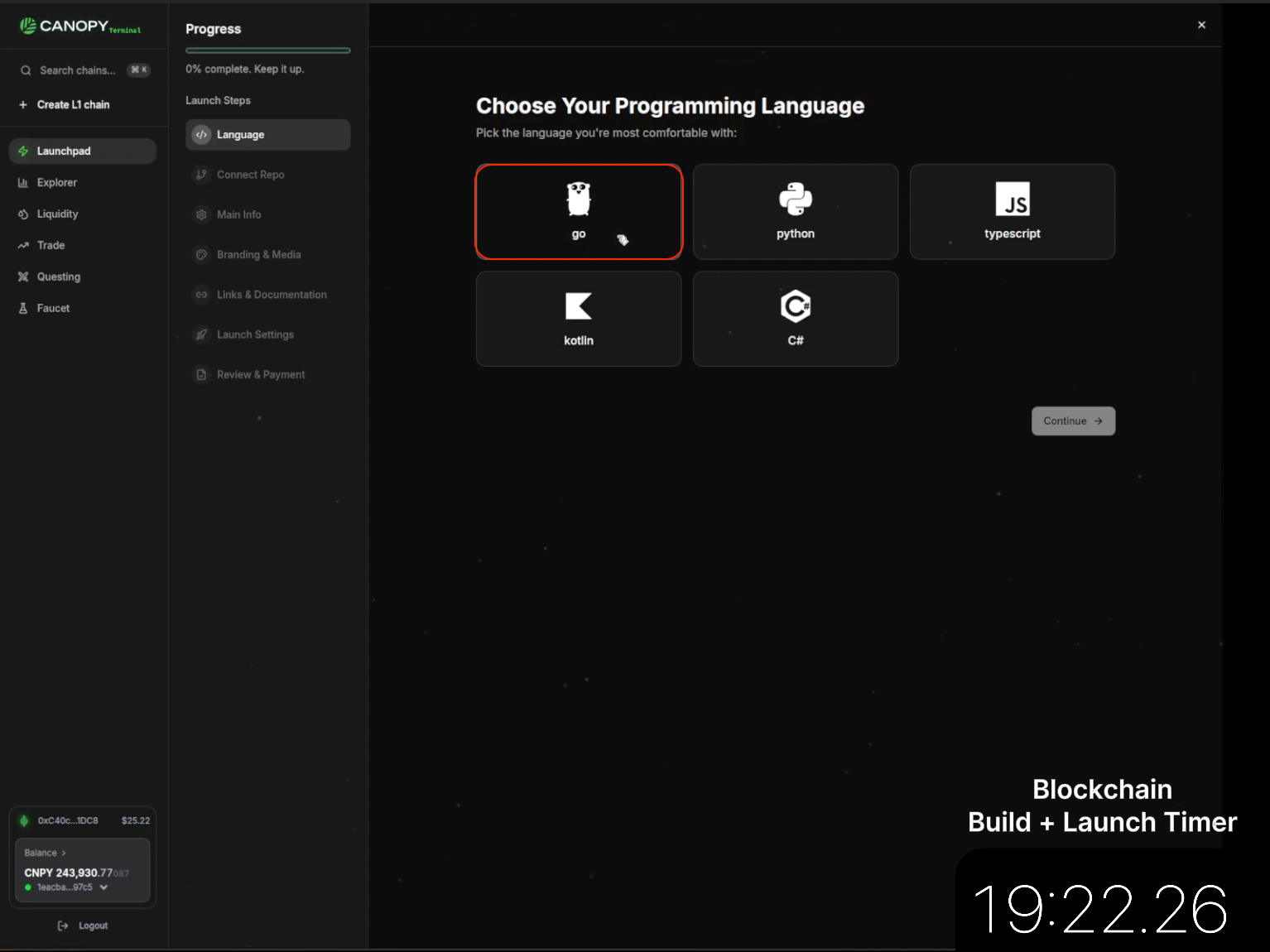
Since he used the Go Template, he selected the “Go” option for his language.
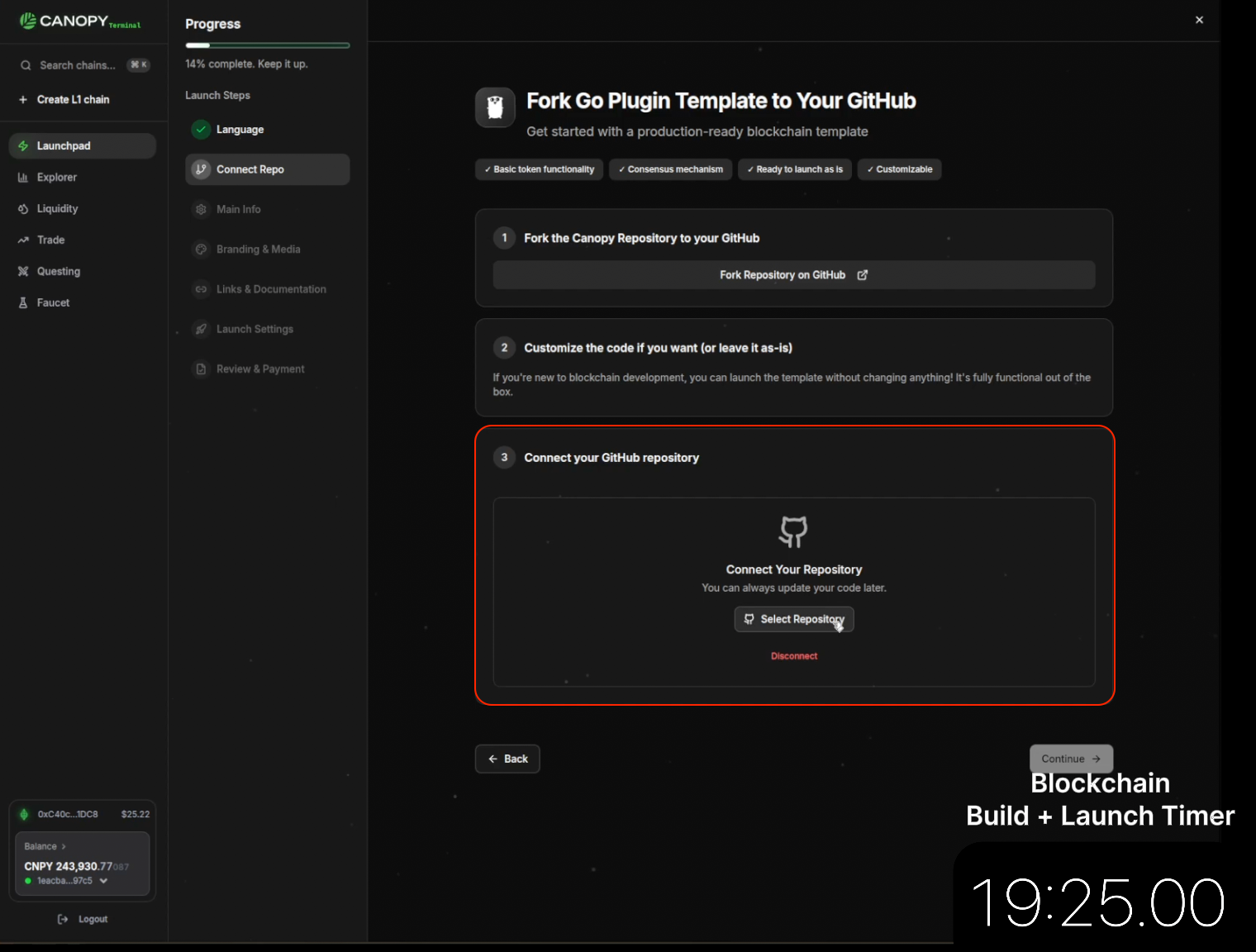
He connected his GitHub repo with the forked code he’d made with Claude and the Canopy Go Template.
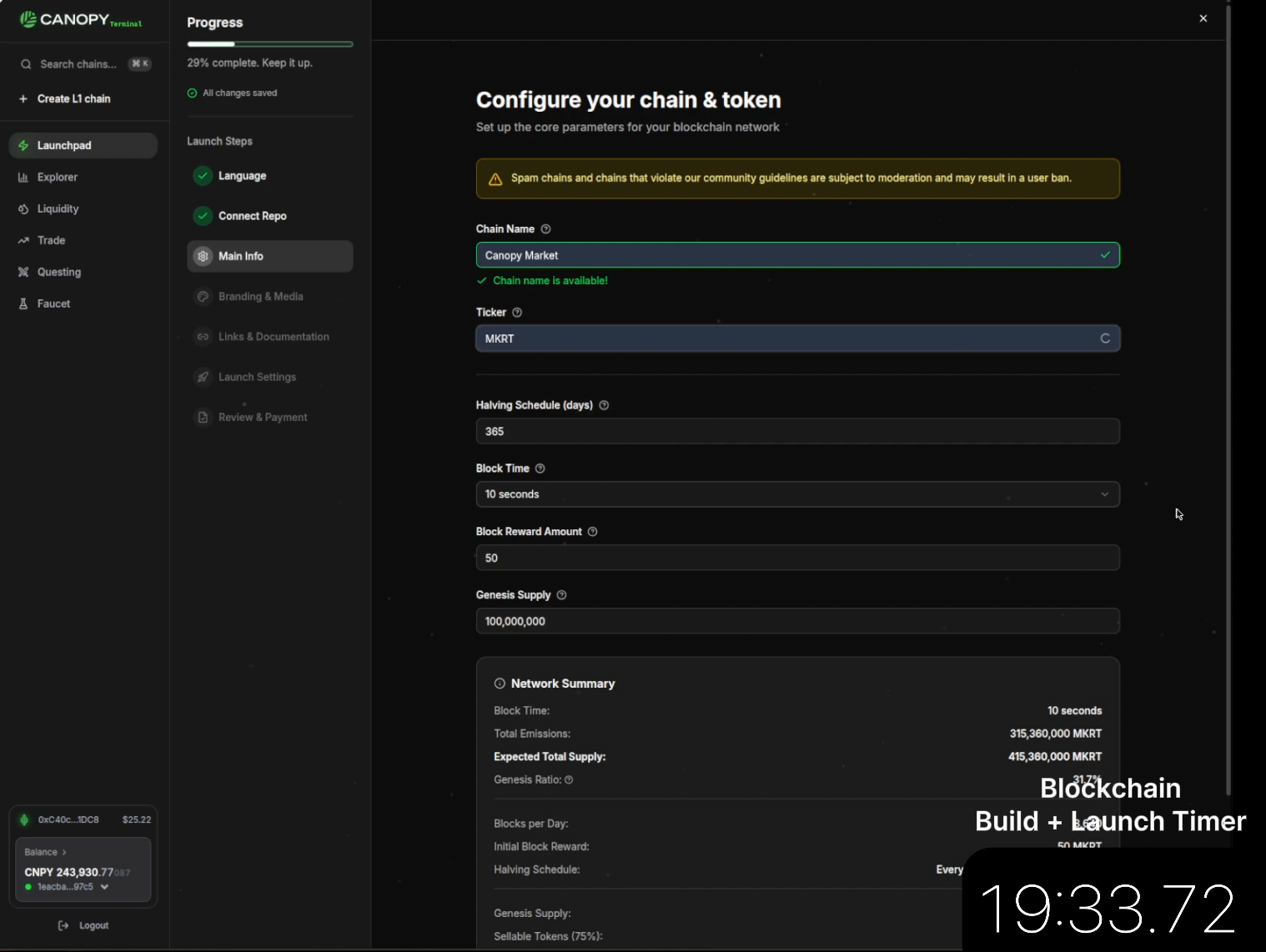
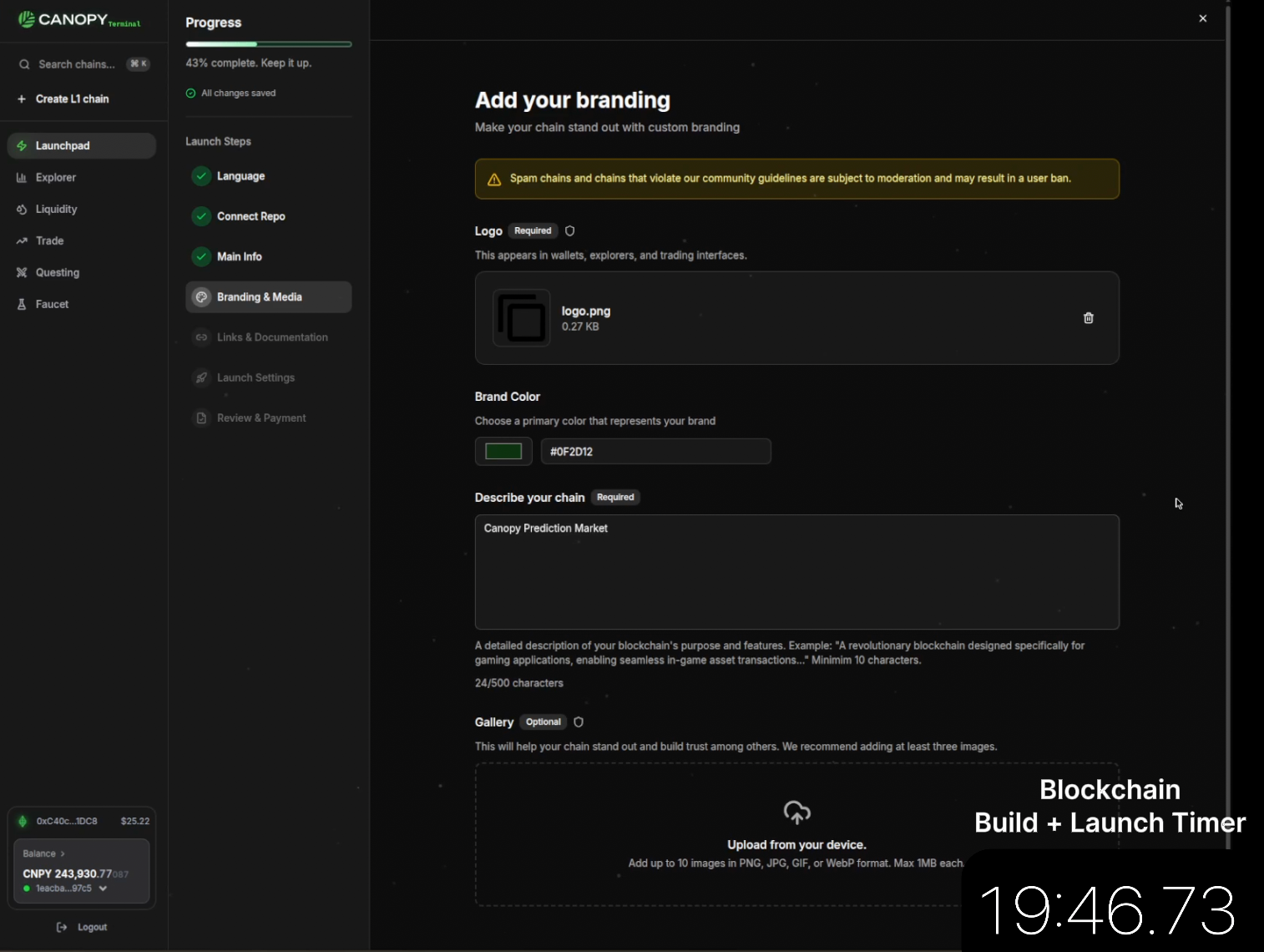
Then, he added the details of his chain, including the name, ticker, halving schedule, and block time. After that, he added the branding details, such as the logo, description, brand colors, social media and website links, etc.
Finally, he launched the chain, with a total runtime of about 20 minutes flat.
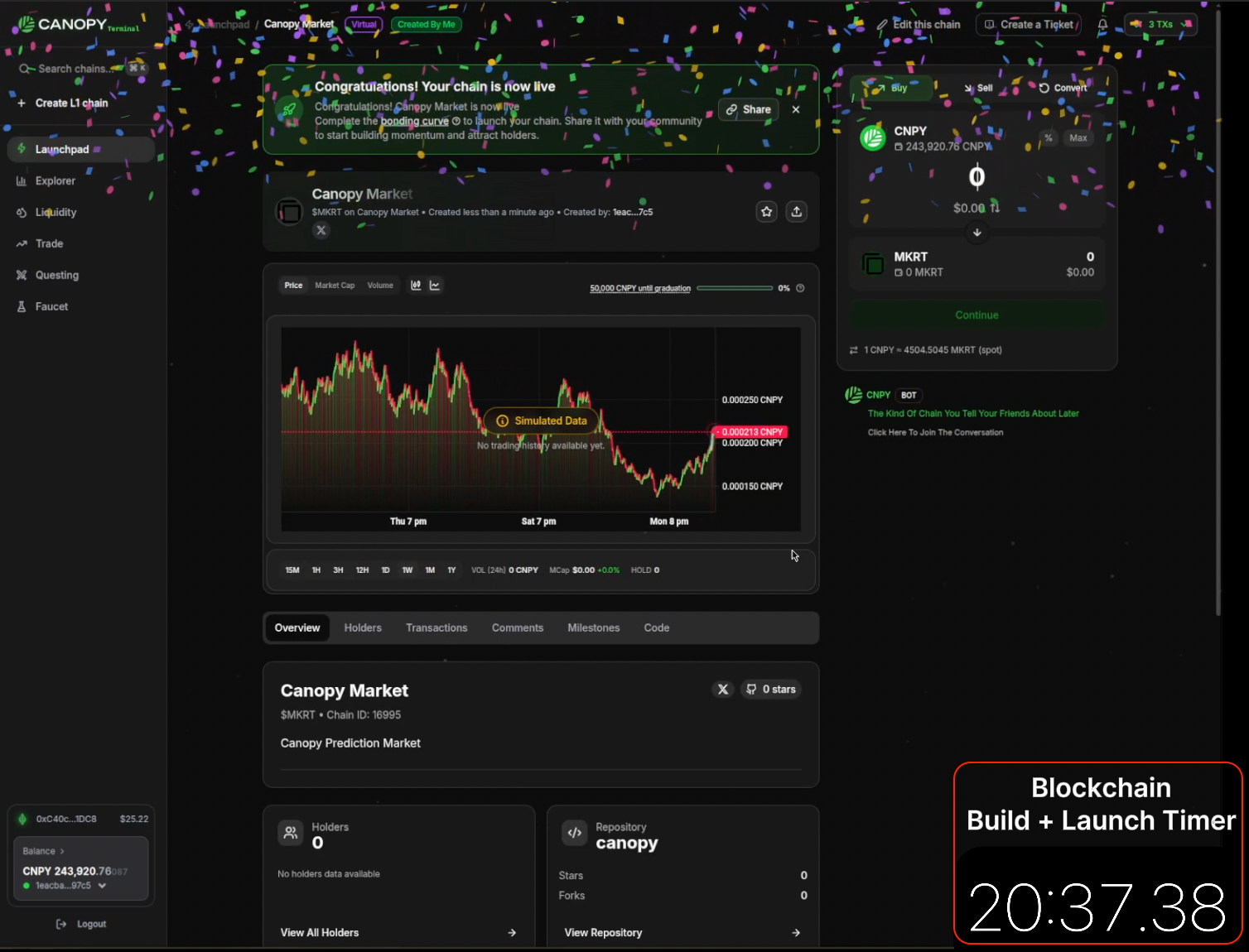
Create Application-Specific Blockchains in 20 Minutes
In just 20 minutes, Eric built, launched, and transacted with his new app on the Canopy blockchain. This small demonstration shows just how quickly an entire app can be launched and live on Canopy, utilizing Canopy’s novel tooling, and collaborating as effectively as possible with AI systems.
Instead of retrofitting a traditional blockchain build into an ever-advancing AI system, Canopy’s tooling was designed specifically for AI-compatible development. Now, going from idea to code to launch is more seamless than ever before.
No longer is blockchain restricted to those with years of expertise and ample time on their hands. Novice developers and seasoned professionals alike can utilize Canopy Templates and the Canopy App for full AI-native development in a fraction of the time.

Forge new ground with your sovereign app
Let your ideas take root and thrive. Deploy in minutes, with instant protection, distribution, and ownership.

Revolutionizing blockchain for every builder. Driving limitless creation with top-tier infrastructure.


